What you are actually getting1
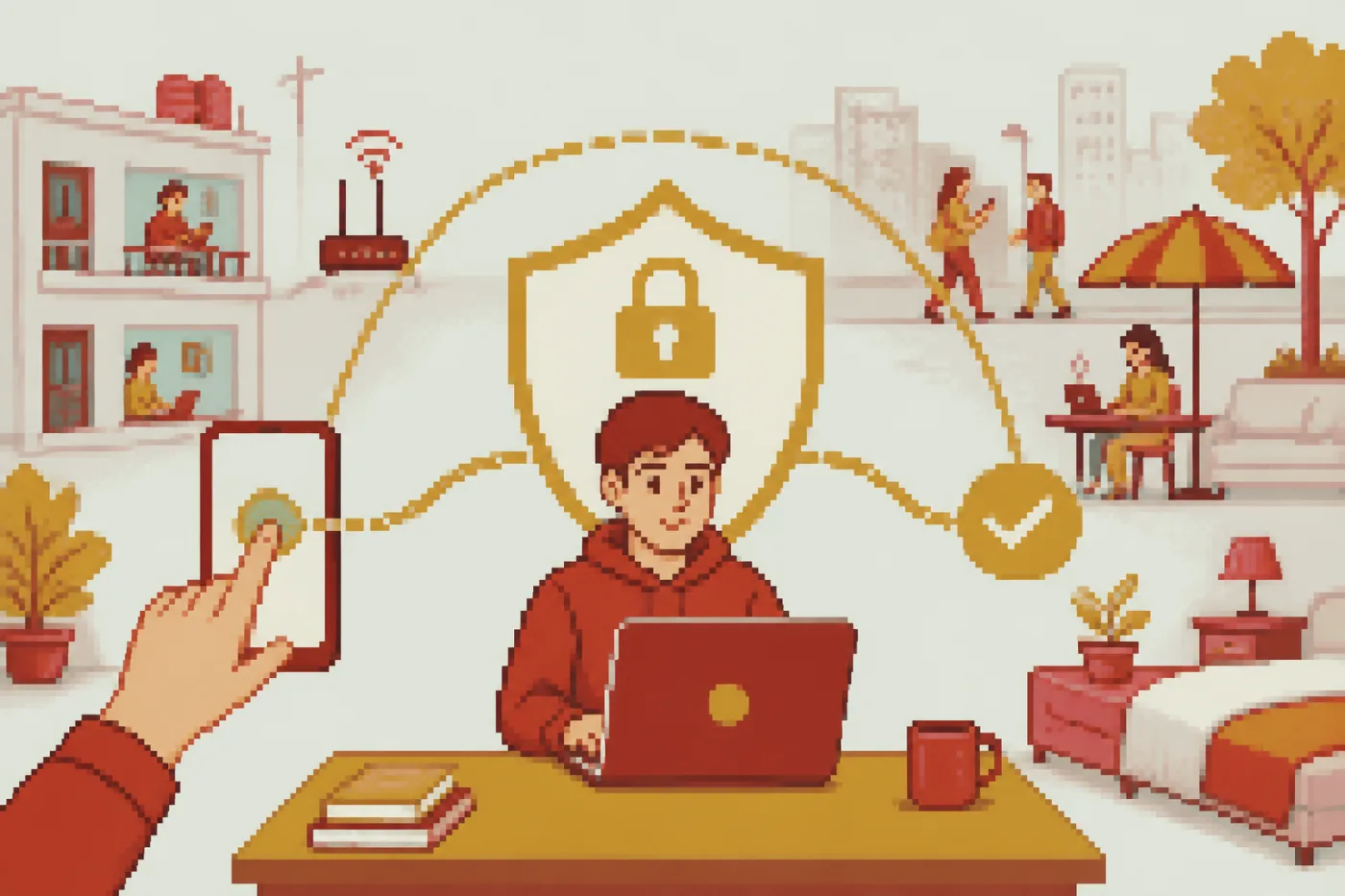
A VPN is an app that sends your traffic through another computer before it reaches the website you opened. The owner of the Wi-Fi sees an encrypted stream going to that computer, and the website sees the computer's address instead of yours. That is the whole trick, and it is useful on networks you do not control: a hostel router, a college access point, a cafe hotspot.
It is not a cleaner for your phone and it is not a disguise. A site you sign in to still knows who you are, and the browser still keeps its history.
The words you will meet in an app2
- Server location: the country where your traffic comes out. This service offers Amsterdam, Frankfurt, Singapore, Dubai and London, and none in India.
- Subscription link: one web address that carries all the locations into a client app. The Telegram bot hands it out.
- Client: a free app such as Happ, Hiddify, V2Box or v2rayNG that reads the link and opens the tunnel.
- Protocol: the language the tunnel speaks. Here it is VLESS.
- Kill switch, split tunnelling: extras that some clients have and some do not; look in the client's settings before you rely on them.
Phone, laptop or both
On a phone you pick a client from the store for your system, paste the link and press connect. On a laptop the idea is the same, but you install a desktop client instead. One subscription has no device limit, so a student can load the same link on a phone and a shared laptop without buying twice.
If you move between Jio or Airtel data and college Wi-Fi in a day, set it up on mobile data first. Then you know the link itself works before the campus network gets a vote.
A first session in order
Open the Telegram bot and ask for the trial; the link comes back in about a minute, and you create no account.
Install a client, then add the link as a subscription.
Open a page that shows your address and write it down.
Connect to one location and reload the page; the address and country should have changed.
Disconnect when you do not need it, so the battery and the data are not spent for nothing.
Limits worth knowing before you start
Rules about which sites you may use are set by your country, your college and each service. A tunnel does not turn a forbidden thing into an allowed one, and we would rather you read your hostel or college rules than guess. Streaming catalogues and sports feeds have their own regional licences; this guide makes no promise about them.
A connection also gets slower with a longer route. We publish no speed figures, so judge it on your own line.
Free, trial and paid
The service gives 10 days free, issued by the bot. After that you pay in the bot with cryptocurrency such as USDT; only crypto goes through, and each period is paid by hand. You will find the plans listed on the home page and within the bot. A free VPN from a random app may pay its bills with adverts or with your data, so ask who funds the app before you give it a permission.
Law and the fine print
Reports from 2022 say Indian authorities issued directions asking VPN providers to keep certain subscriber records, and several providers left the country. What that means for any one service is a question for a lawyer, not for a guide. What stays with you is plainer: use the tunnel for lawful things and read the terms of each site you open through it. We keep no logs.
Who is writing this? A business that runs a VPN, which is why every check above can be run on your own phone without taking our word. The first draft of the guide came from an AI tool, and a person on the desk went through each claim about the service before it went up.
Questions
Can a beginner manage this without help?
No. Copy a link from the bot, paste it into a client and press connect. If a step fails, the client's log usually names the reason.
Will a VPN make my phone slower?
It can, because the route is longer and the data is encrypted. The effect depends on your line and the location you choose, and we have no figures to quote.
Can I try it before putting any money in?
Yes, the bot issues a free trial link first. Nothing asks for a card at that stage.
What if my college blocks the client?
A campus network is run by the college, and its rules decide. Mobile data on your own plan is a separate network and shows whether the link itself works; it is no reason to try to get round the college's filter.
Is a free app from the store safer than a link from a bot?
Neither is safe by default. Look at the publisher, the update date and the permissions the app asks for.
Where do I put the link if I have two phones?
Paste it into a client on each phone. The subscription has no device limit.